SENTINEL INTRUSION DETECTION SYSTEM
1. How to Use the Sentinel IDS App (IDS – Intrusion Detection System)
What the System Does
Units are installed along fences or property boundaries.
When movement is detected, the unit:
Flashes a floodlight to deter intruders.
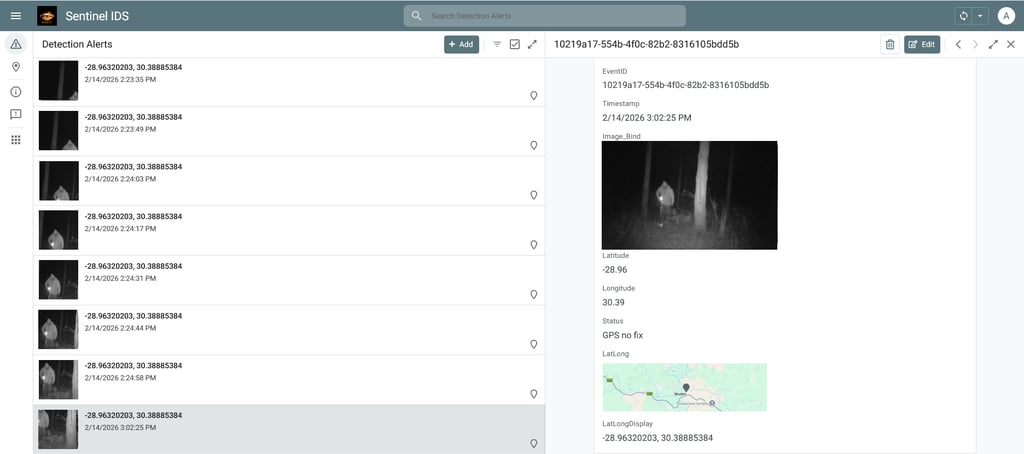
Captures a photo of the event.
Sends the photo and alert to the app on the first responder’s phone.
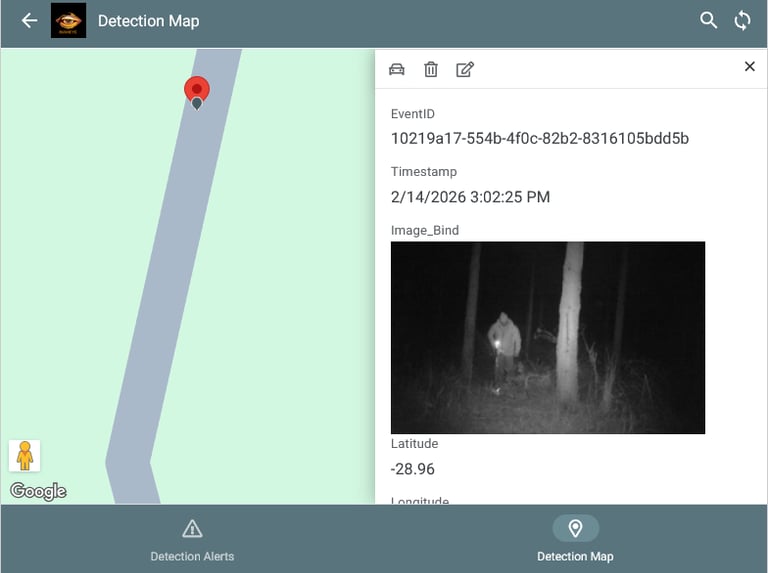
Each unit has a GPS, so the alert includes exact latitude/longitude coordinates.
Properties and units are Geo‑fenced, so responders know precisely where the event occurred.
2. Receiving Alerts
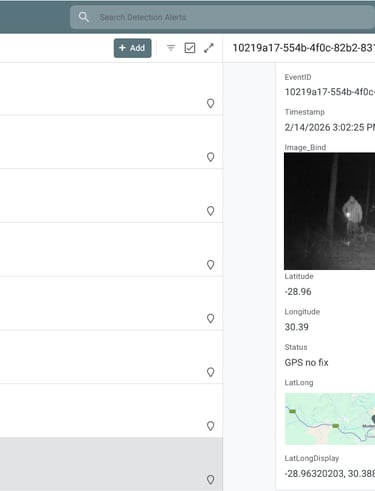
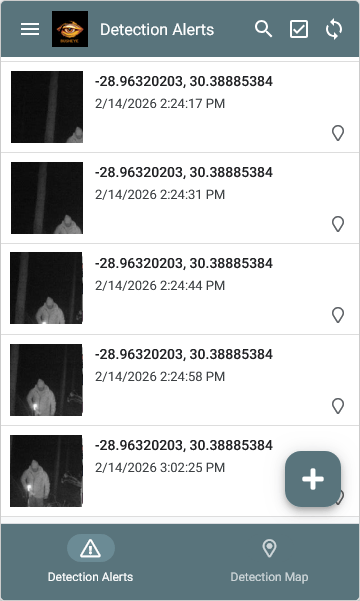
When an event is triggered, you’ll receive a notification on your phone.
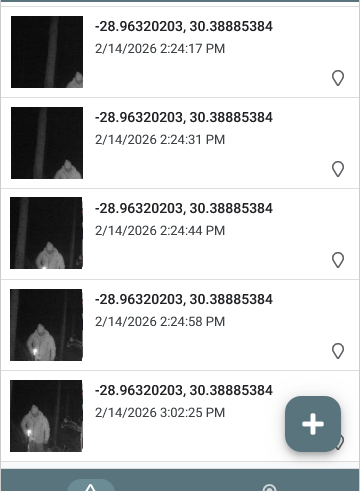
The alert includes:
LocalTime (adjusted from UTC to your local timezone).
A photo of the event.
LatLong coordinates showing the exact location.
The app records all events automatically for audit and reporting.
3. Map View
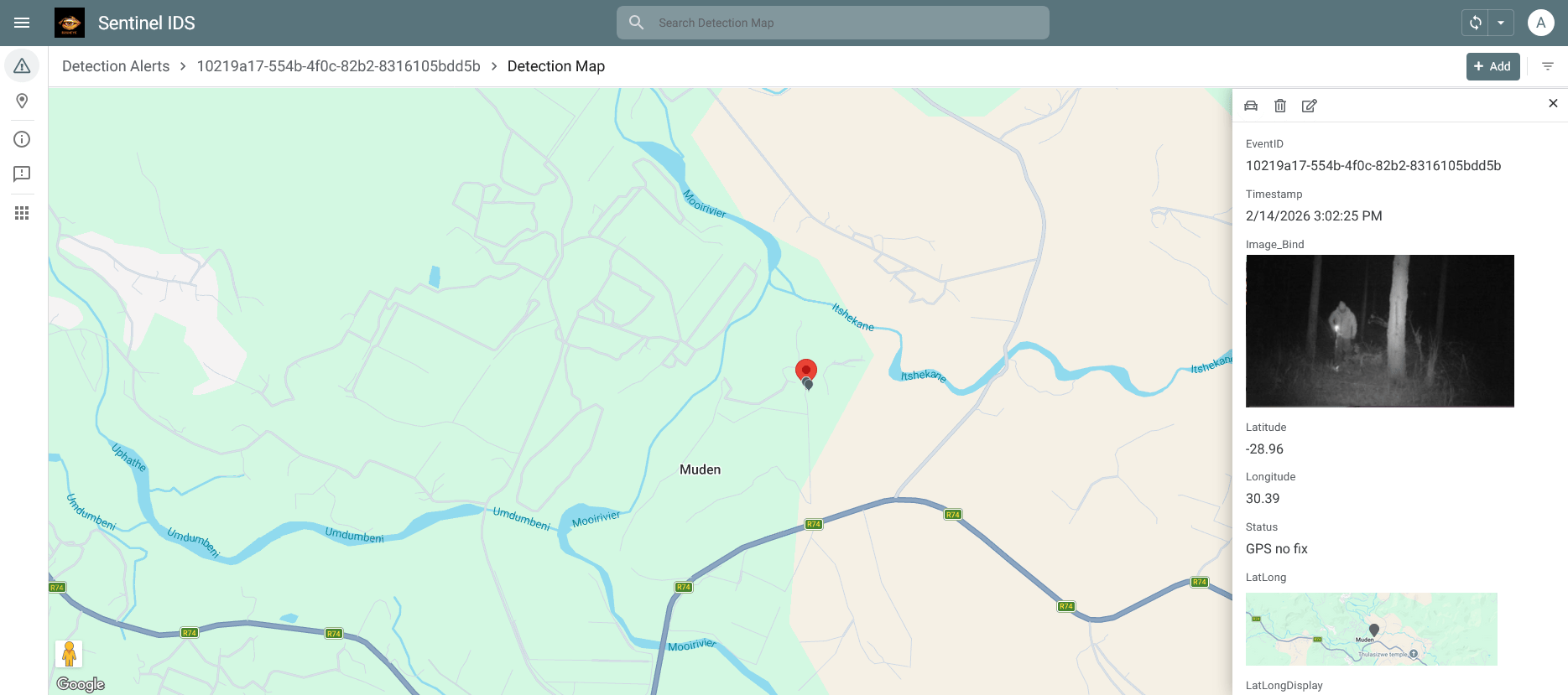
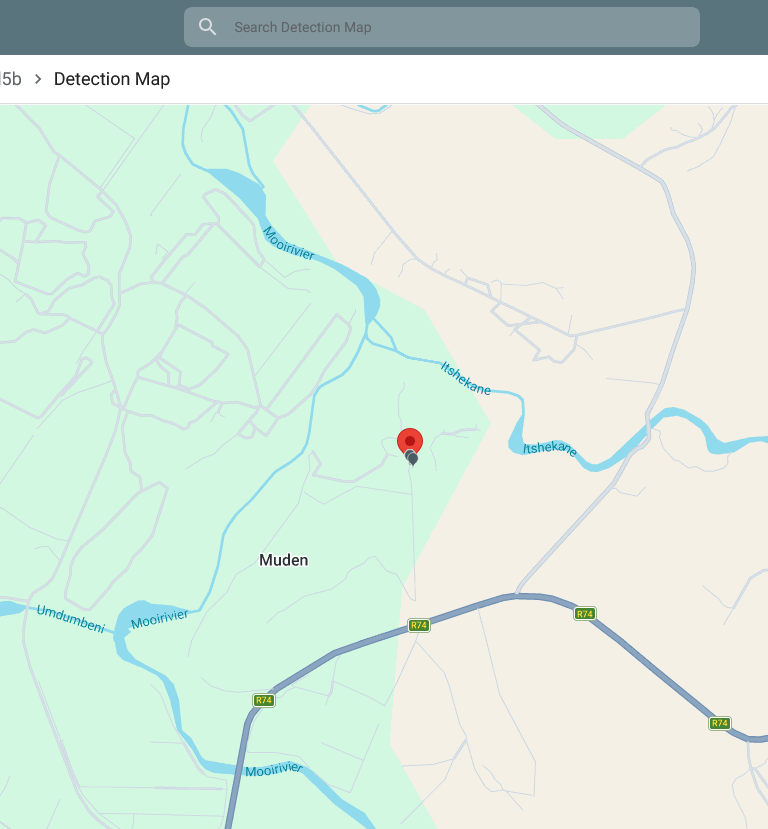
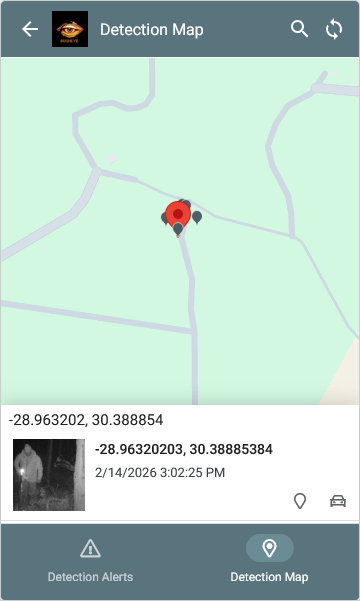
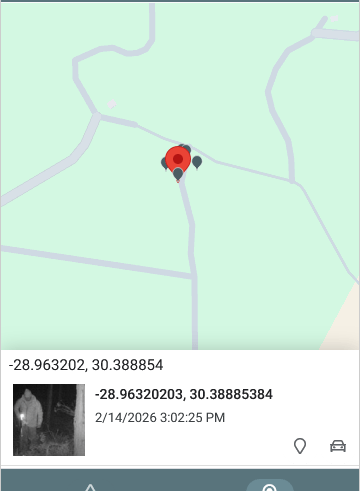
Open the Map view to see pins for each event.
Pins are placed using the GPS coordinates.
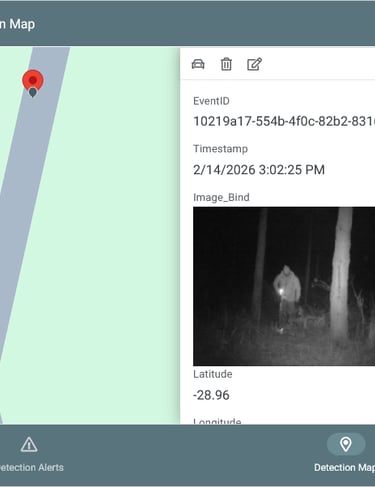
Tap a pin to view event details and the photo.
Pin colors/icons may change depending on Status (e.g., red = alert, green = normal).
4. Adding Units
New units can be added easily.
Each unit automatically reports its location and integrates into the geo‑fenced property.
No manual setup of coordinates is required — the GPS handles this.
5. Why It Matters
The system acts as a deterrent, scaring off intruders before they cross fence lines.
It provides real‑time alerts so rangers can respond quickly.
It helps keep wildlife safe and protects property reliably.
It scales easily — more units can be added as needed.